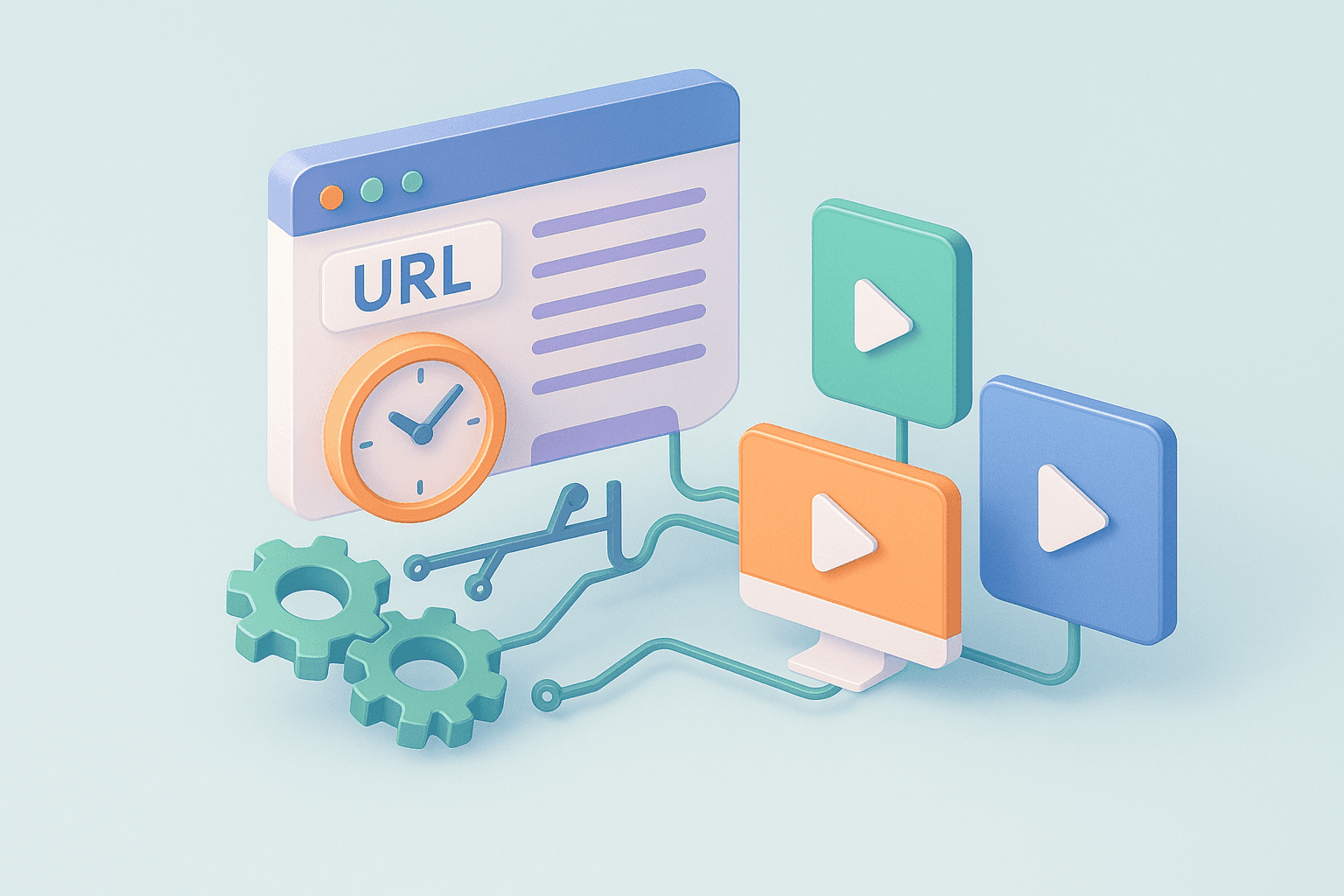
Marketers are obsessed with speed. The promise of “paste a URL, get a video” sounds like magic.
When you paste a link into a video tool, you’re triggering a specific set of mechanical processes. Understanding how these work, and where they break, is the key difference between scaling your creative output and generating a folder full of unusable junk.
Key Takeaways
Distinguish Tool Types: Understand the difference between simple "Downloaders" (saving existing videos) and "Generators" (creating new ads from scratch).
Scraping Limitations: AI tools easily extract titles and images but often miss brand "vibe," emotional context, and high-energy hooks.
The Asset Gap: Basic tools create slideshows from static images; advanced tools use Generative AI or stock libraries to add real motion.
Quality In, Quality Out: The final video quality is directly tied to the structured data and image resolution on your source landing page.
What is a URL to Video?
First, let’s clear up a common confusion. “URL to Video” usually refers to one of two completely different technologies.
The Downloaders (Fetchers)
These are utility tools (often free and riddled with ads). You paste a YouTube, TikTok, or Instagram link, and the tool locates the source media file and downloads it.
What they do: Bypass the platform’s “save” restrictions.
The output: An exact copy of the existing video.
The use case: Reposting user-generated content or saving competitor ads for research.
The Generators (Creators)
This is what most marketers want. You paste a product page or blog post URL, and the tool builds a new video from scratch.
What they do: Scrape text and images, structure a narrative, and assemble a new asset.
The output: A promotional video derived from a static page.
The use case: Turning a Shopify product page into a Meta ad without shooting footage.
For the rest of this breakdown, we are focusing on Generators.
How AI URL to Video Tools Work
When you hit “Generate” the AI sends a crawler to your URL. It reads the page’s HTML like a search engine does. But it has blind spots.
What It Extracts Successfully:
Structured Data: Product Title, Price, and Description in specific HTML tags (like
<H1>or<span class="price">).Static Assets: High-resolution images that are usually white-background product shots.
Keywords: Basic NLP scans your description to guess the niche (e.g., "Skincare," "SaaS," "Pet Food").
What It Usually Misses:
Context & Vibe: A scraper reads text; it doesn't feel emotion. It doesn't know if your brand is "luxury minimalism" or "loud and energetic" unless you explicitly tell it.
The "Hook": Your product page lists features. It rarely opens with a scroll-stopping hook designed for TikTok. Basic tools just copy-paste the first sentence, which is often boring (e.g., "Our premium leather wallet features RFID protection").
Motion: If your landing page has GIFs or embedded videos, most basic generators ignore them, defaulting to static JPEGs.
What Advanced Systems Now Add:
AI Summaries & Voiceovers: Platform writes the script and narrates it—no mic needed.
Multi-language localisation: One click, 100+ languages.
Highlight extraction: Drop a long-form video link; get short, social-ready clips.
Popular Use Cases for URL to Video
Marketers usually reach for URL-to-video tools in five core scenarios:
Social media content: Turn trending pages into TikTok or Shorts fast.
SaaS product demos: Smooth scroll through your dashboard for sales decks.
E-commerce showcases: Tease seasonal drops with a full collection scroll.
Online education: Convert long reads into bite-size lessons.
Technical docs: Turn API pages into quick visual walkthroughs.
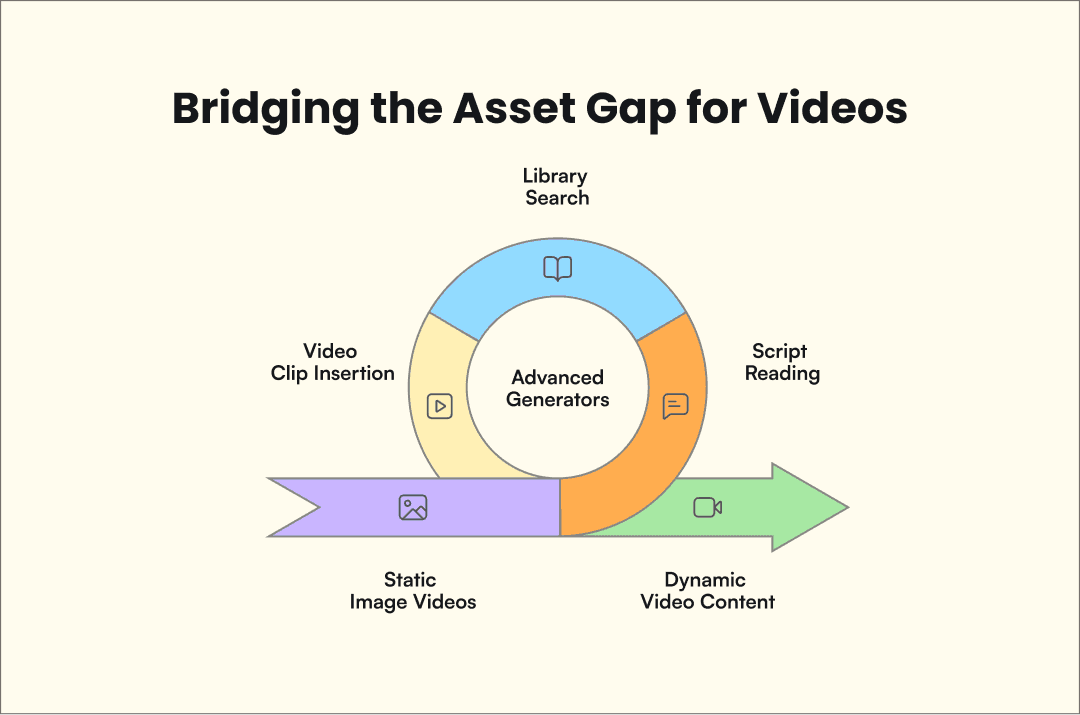
We've all seen it. You wait 2 minutes for a video, and the result is just your product photos sliding left to right with generic stock music.
This happens because of the "Asset Gap".
Product links often include photos rather than video files. The system cannot find moving footage to use. It adds a zoom effect called "Ken Burns Effect" to your images to make them look like a video.
Benefits and considerations
If you are using URL-to-Video tools, you need to be realistic about the trade-off.
The Limitations
Garbage In, Garbage Out: If your landing page has vague copy and low-res images, the video will be unusable. The AI cannot hallucinate high-quality assets from a bad source.
The "Robot" Factor: Basic tools struggle with nuance. They might highlight "Free Shipping" as the main selling point instead of your unique value proposition because they can't distinguish the importance.
The Opportunities
Rapid Testing: The value isn't in making one perfect video; it's in making 10 decent ones. You can test different products in your catalog without hiring an editor for each one.
The "Base Layer": Don't treat the output as the final cut. Treat it as a rough draft. You saved 3 hours of editing; now spend 10 minutes polishing the hook and swapping the music.
FAQ
What is a URL to video generator?
A URL to video generator scans a web page, pulls the text and images, and builds a ready-to-share video for you. Paste the link, and the software handles the script, visuals, and timing in one step.
Can I create videos from multiple URLs at once?
Yes. AdMove’s batch mode lets you drop in a list of product links, so no need to be generated one by one. The tool scrapes each page and delivers separate videos in a single run, perfect for big catalogs.
Is it legal to turn any webpage into a video?
You still need rights to the content. Only convert pages you own or have permission to use. Check copyright and licensing before you publish the video.
How long does it take to generate a video from a URL?
Most URL to video generators create a video in 2-10 minutes, depending on the app’s complexity and the amount of content on your page. Tools like AdMove can process entire product catalogs in batch mode.
Do I need video footage on my webpage for this to work?
No. URLs to video generators work with static product images. Advanced tools use stock footage libraries or generative AI to add motion and context, while basic tools rely on image panning and zooming effects.
Can URL to video tools understand my brand voice?
Basic tools cannot. They scrape text literally without understanding tone or brand personality. AI generators like AdMove analyze your product category and target audience to apply messaging frameworks, but you’ll still need to customize for brand-specific voice.
Can URL to video tools add voice-over or AI avatars?
Yes. Advanced generators draft a short script, pick an on-screen avatar, and deliver natural voice-overs automatically, so you move from URL to talking-head explainer in minutes.
Do these tools support multiple languages?
The best platforms translate captions and voice-overs into 100+ languages without extra editing. Publish globally in one click.
What type of URLs work best with these tools?
Product pages from Shopify, WooCommerce, and major e-commerce platforms work best because they have structured data (titles, prices, descriptions) in predictable HTML formats. Blog posts and landing pages work but may require more manual editing.
Can I edit the video after it’s generated?
Yes. Most tools offer editing interfaces that let you adjust scripts, swap images, change music, modify hooks, and adjust pacing. Treat the initial output as a first draft, not a finished product.
Summary
URL to Video technology has moved past simple scraping. The best tools now add a layer of strategy, interpreting your product data to write actual sales scripts rather than just copy-pasting descriptions.
But the mechanism remains the same: the quality of your video depends heavily on the quality of the data on your page and on the tool's ability to fill in the creative gaps.